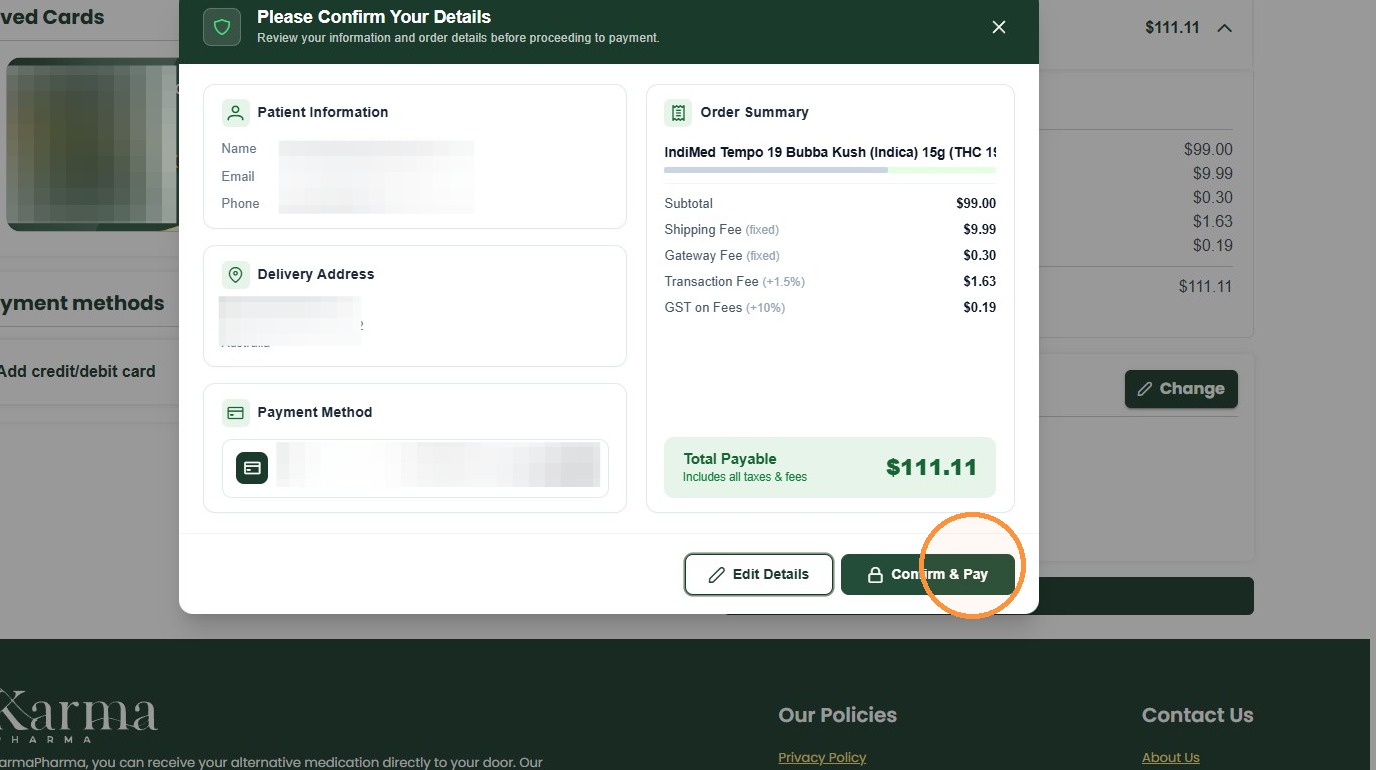
How To Approve and Pay for your Medication
Open your Email
1. You will receive an automatic email that your prescriptions from your clinic are ready.
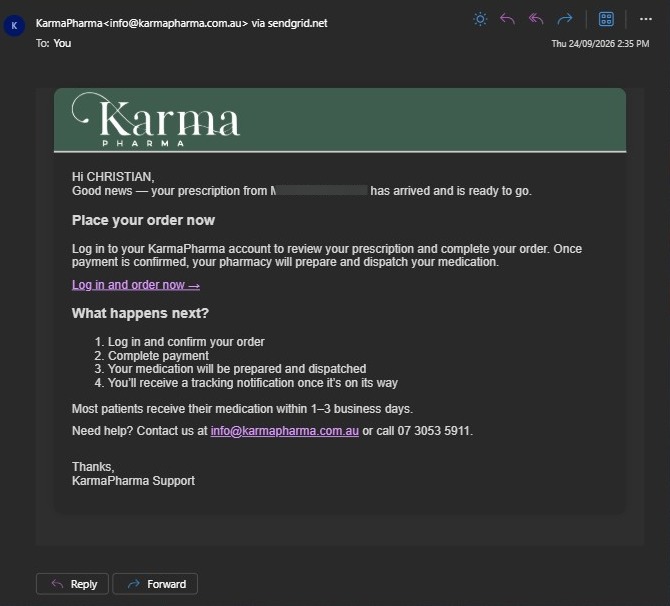
2. Click “Log in and order now →” you will be directed to KarmaPharma.
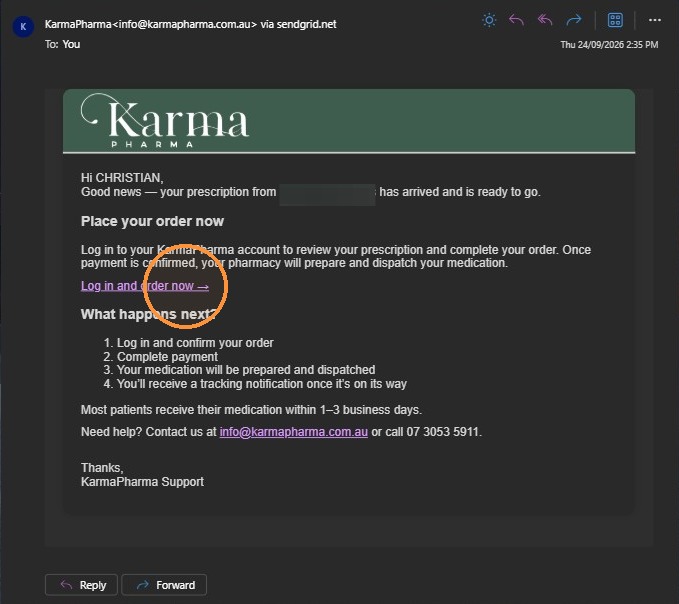
Account Authentication
3. Enter your mobile or email in the Email or Phone field
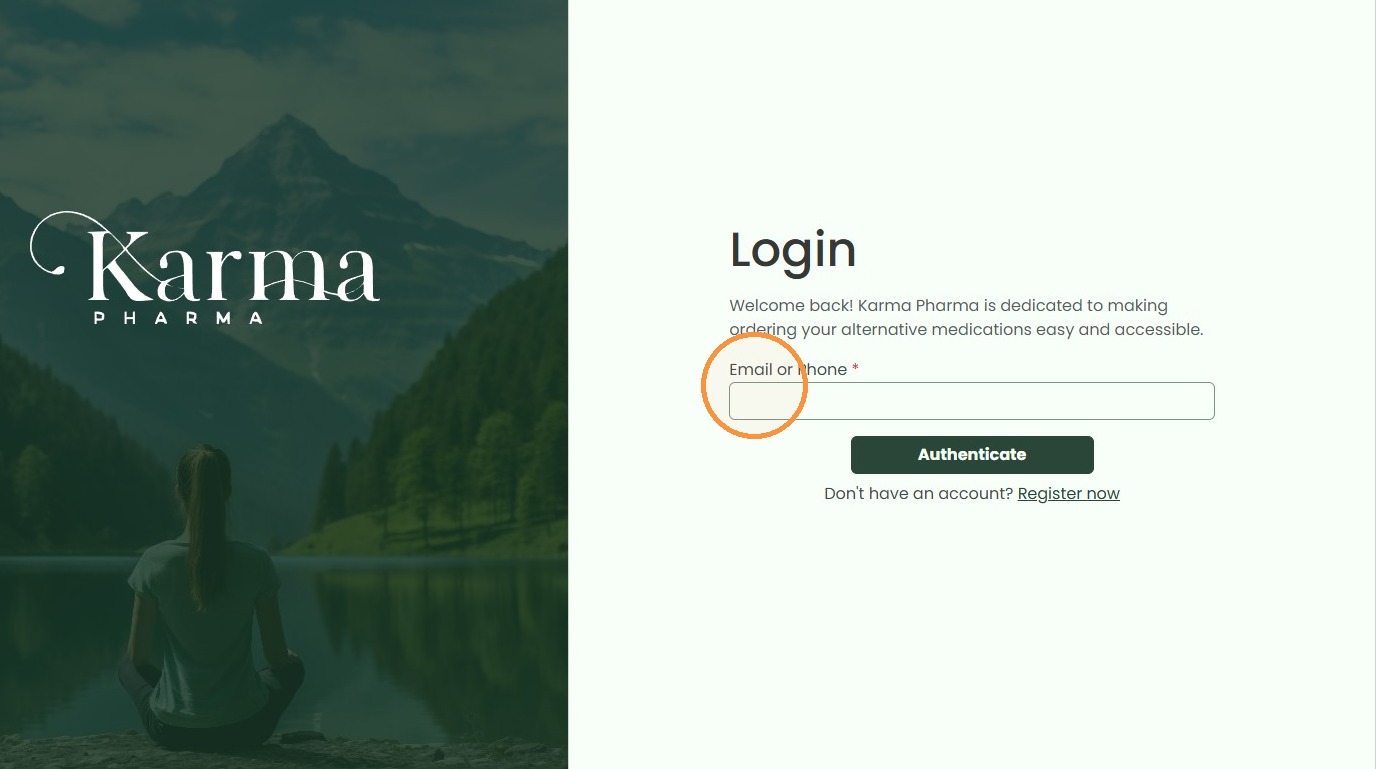
4. Click “Authenticate”
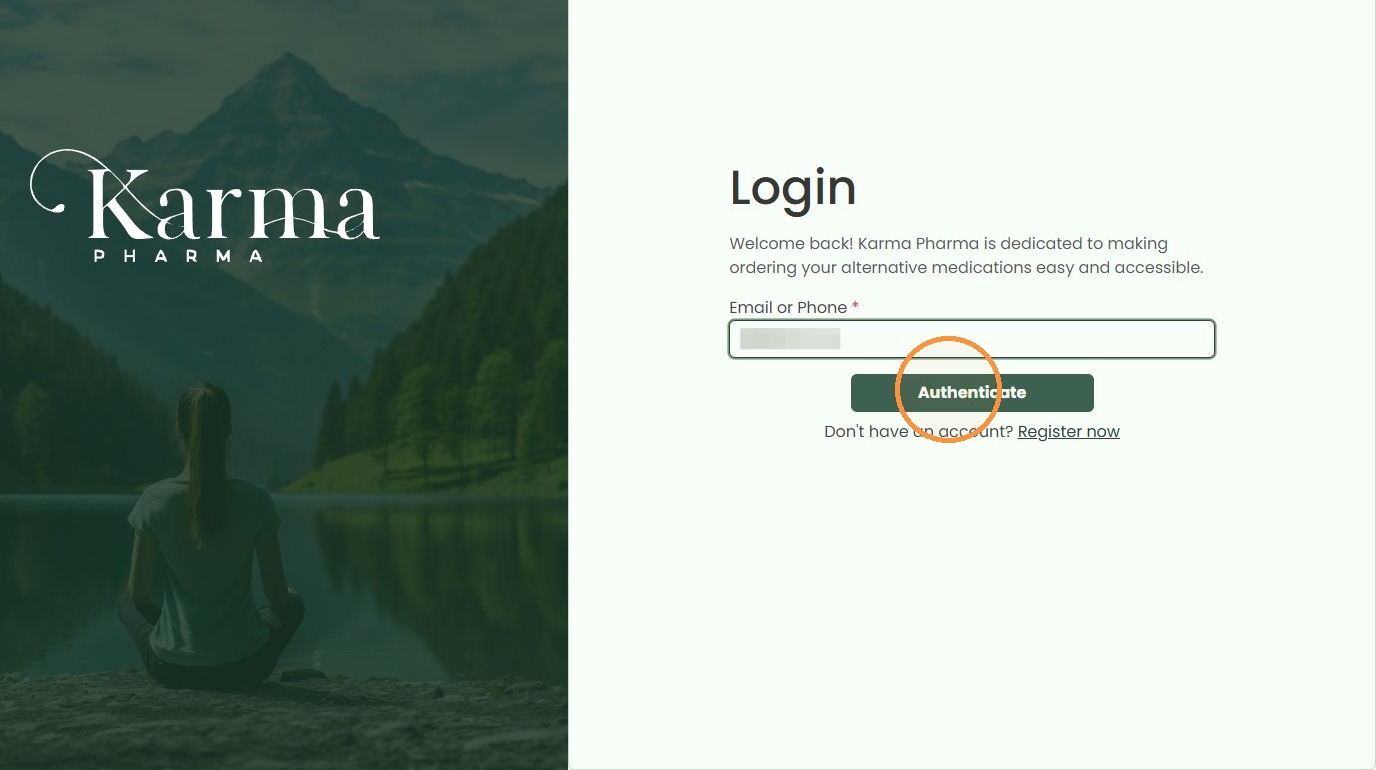
5. Retrieve the OTP from you mobile or email(Please check your SPAM folder, if not received immediately.). Enter the OTP.
Complete Checkout
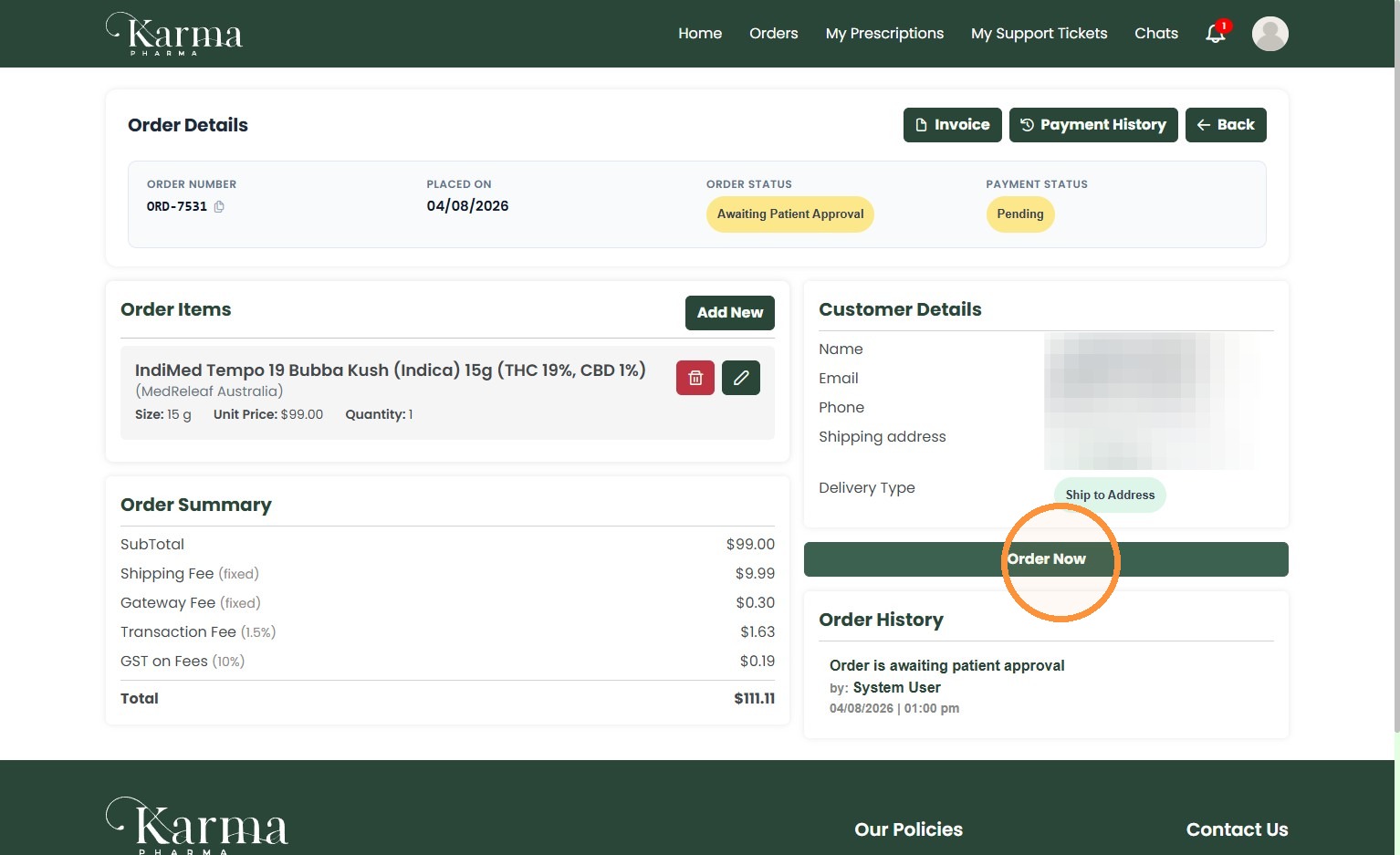
6. To approve the order Click “Order Now”. Alternatively you can edit your order by removing or adding additional products.
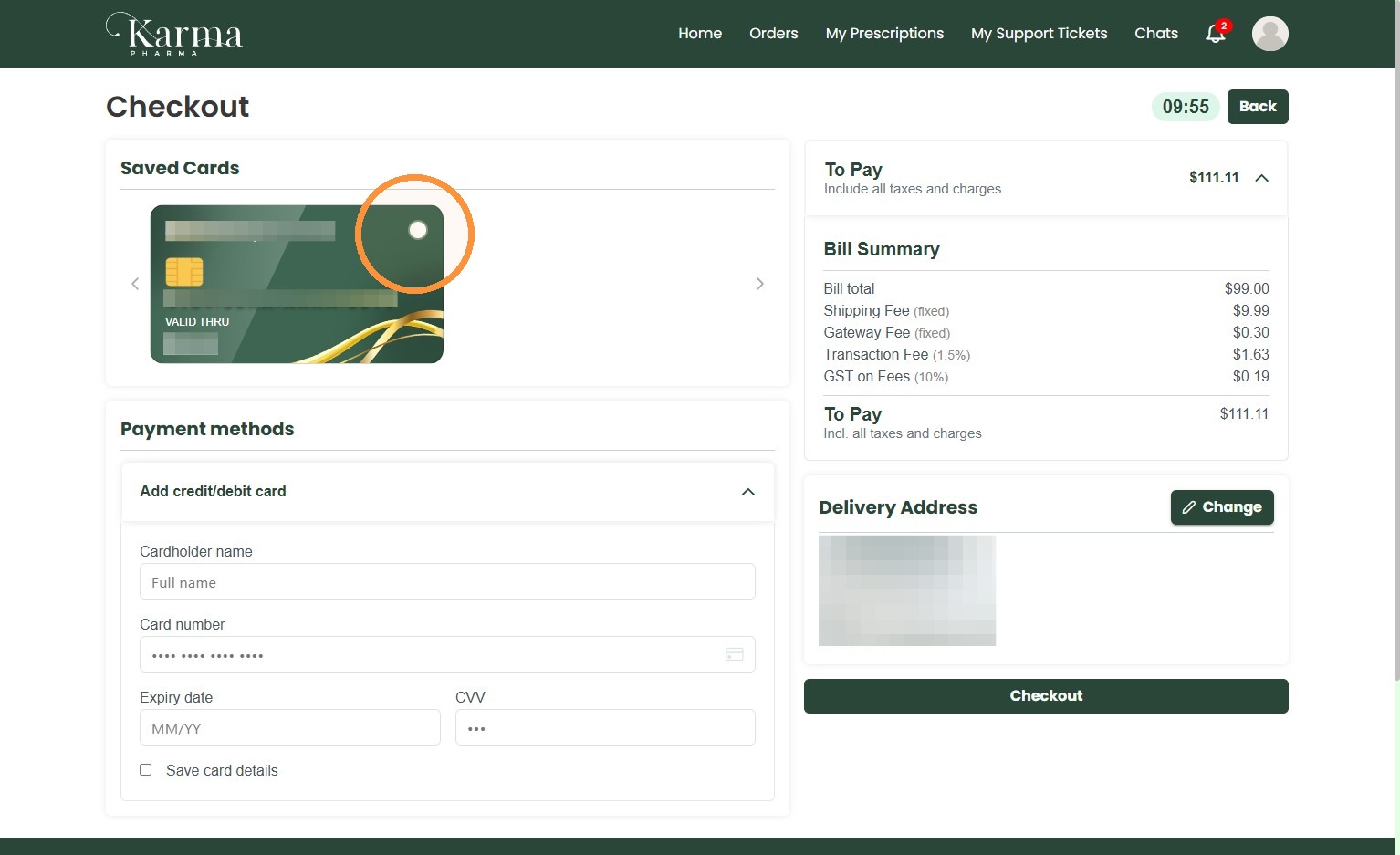
7. At Checkout you can use “Saved Cards” or add new payment methods to complete payment.
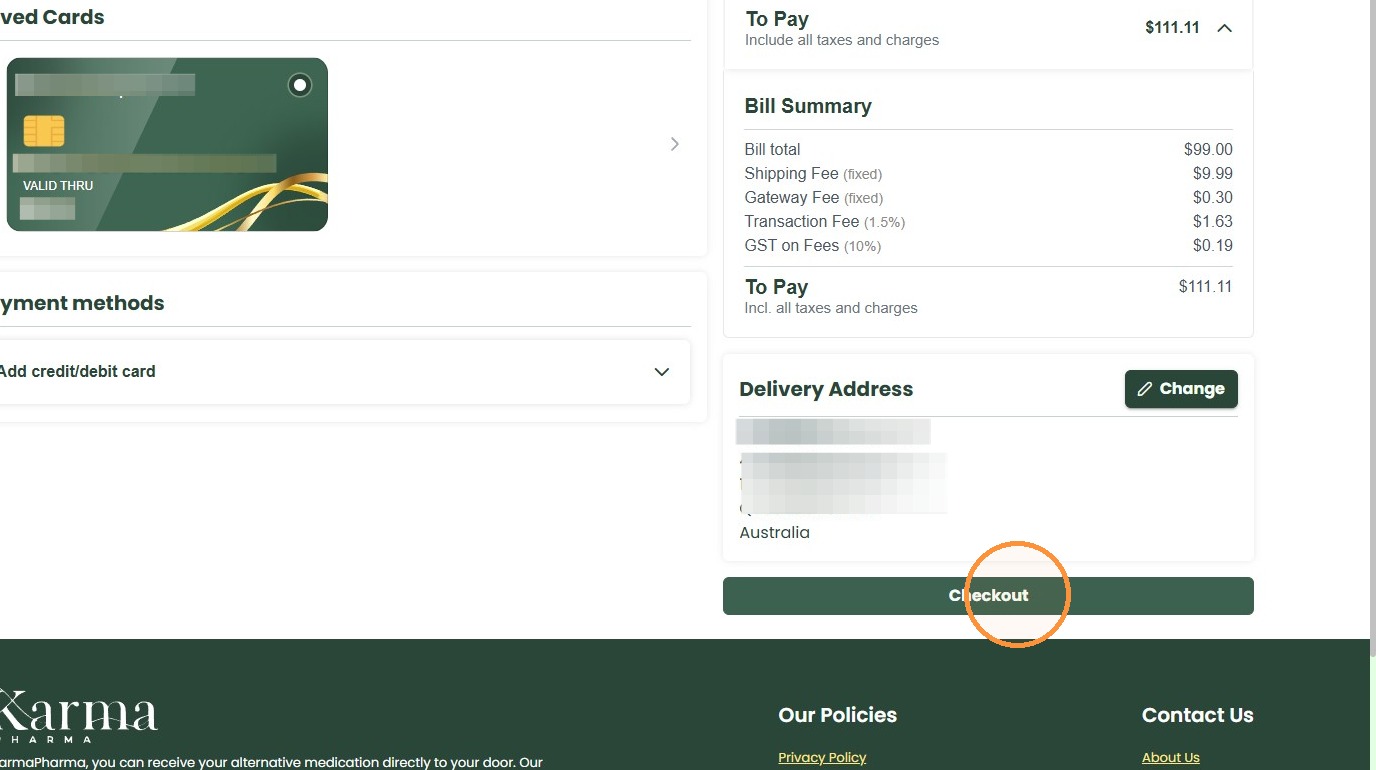
8. Click “Checkout”
9. Click “Confirm & Pay”