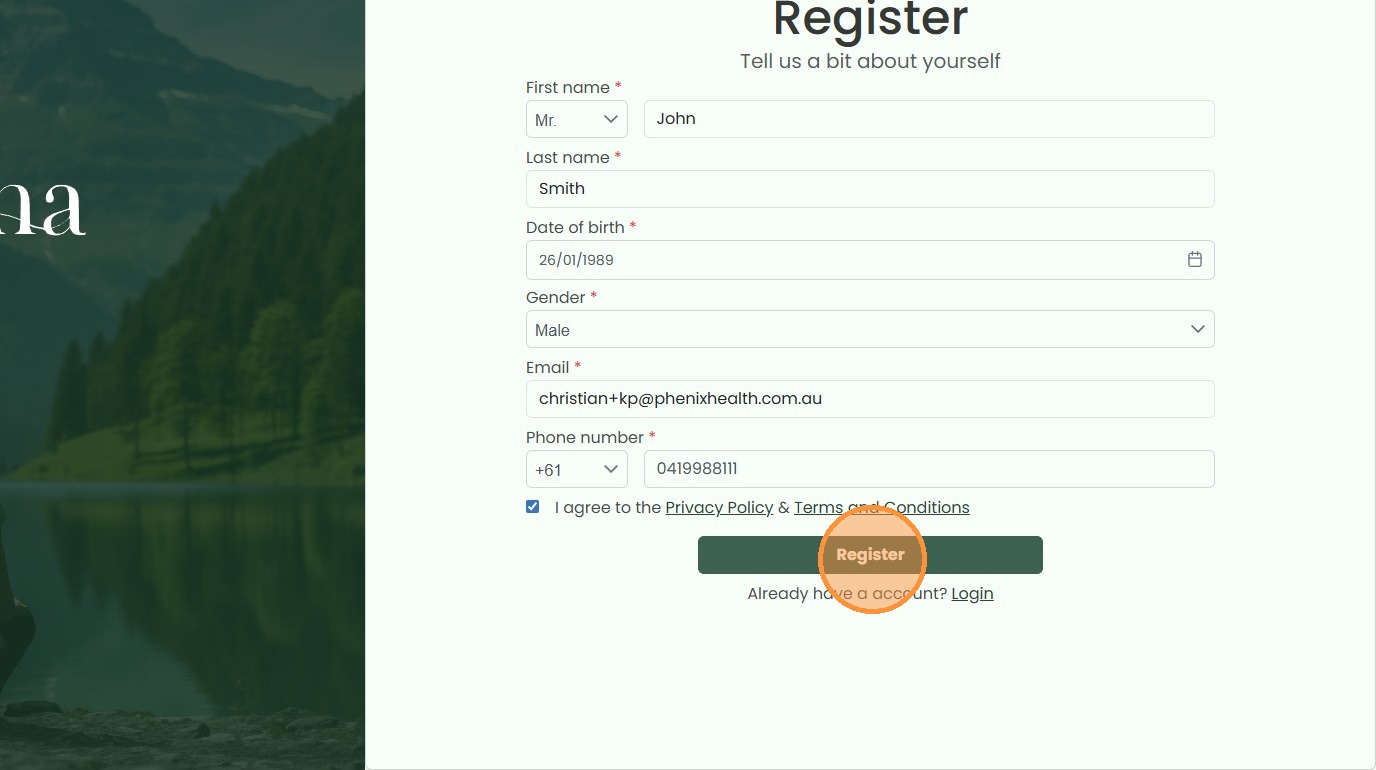
Registering as a New Patient at KarmaPharma
This guide provides a walkthrough for creating a new patient account on the KarmaPharma website. Follow these steps to correctly enter your personal details, birth date, and contact information to successfully register for their services.
1. Navigate to https://karmapharma.com.au/

2. Click “New Patient”

3. Select your “Title”
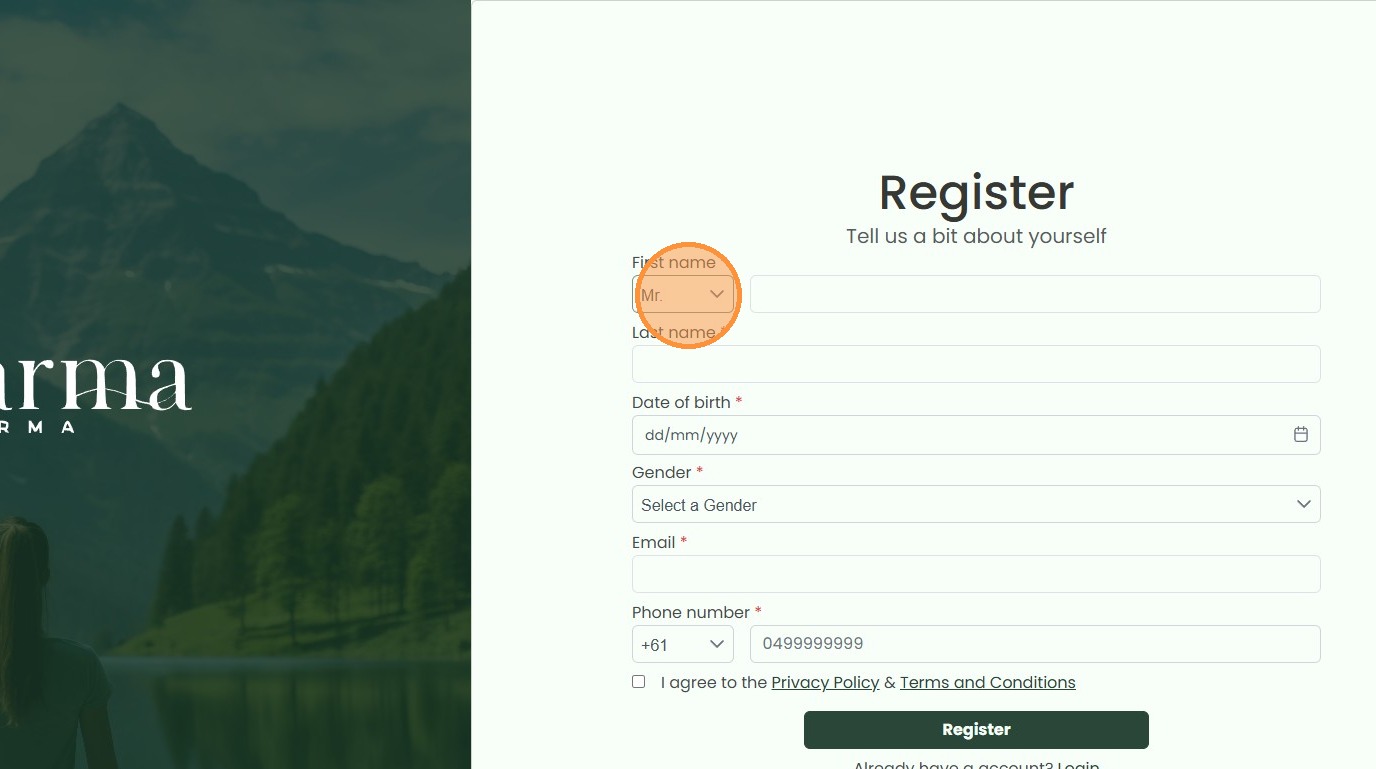
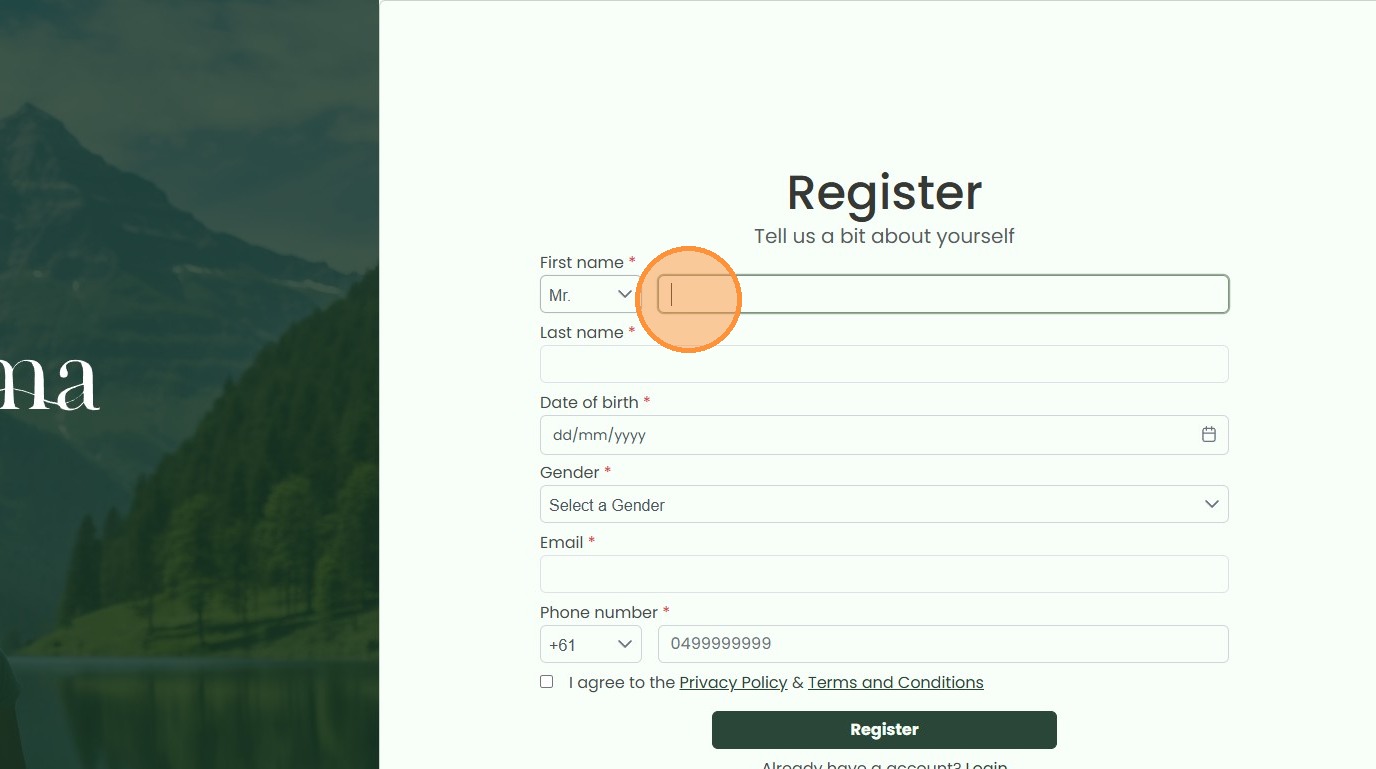
4. Enter in your First and Last name
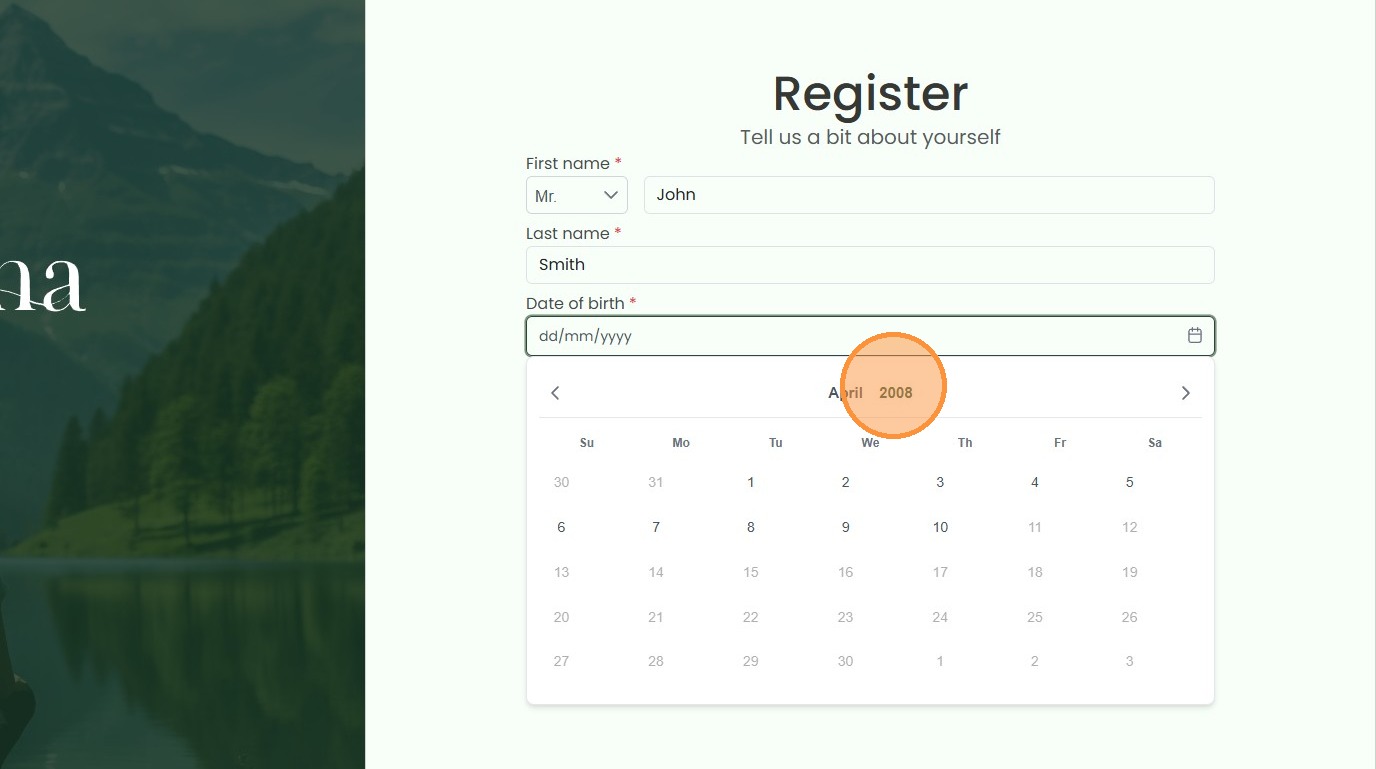
5. Enter your Date of Birth
6. Select Your Gender
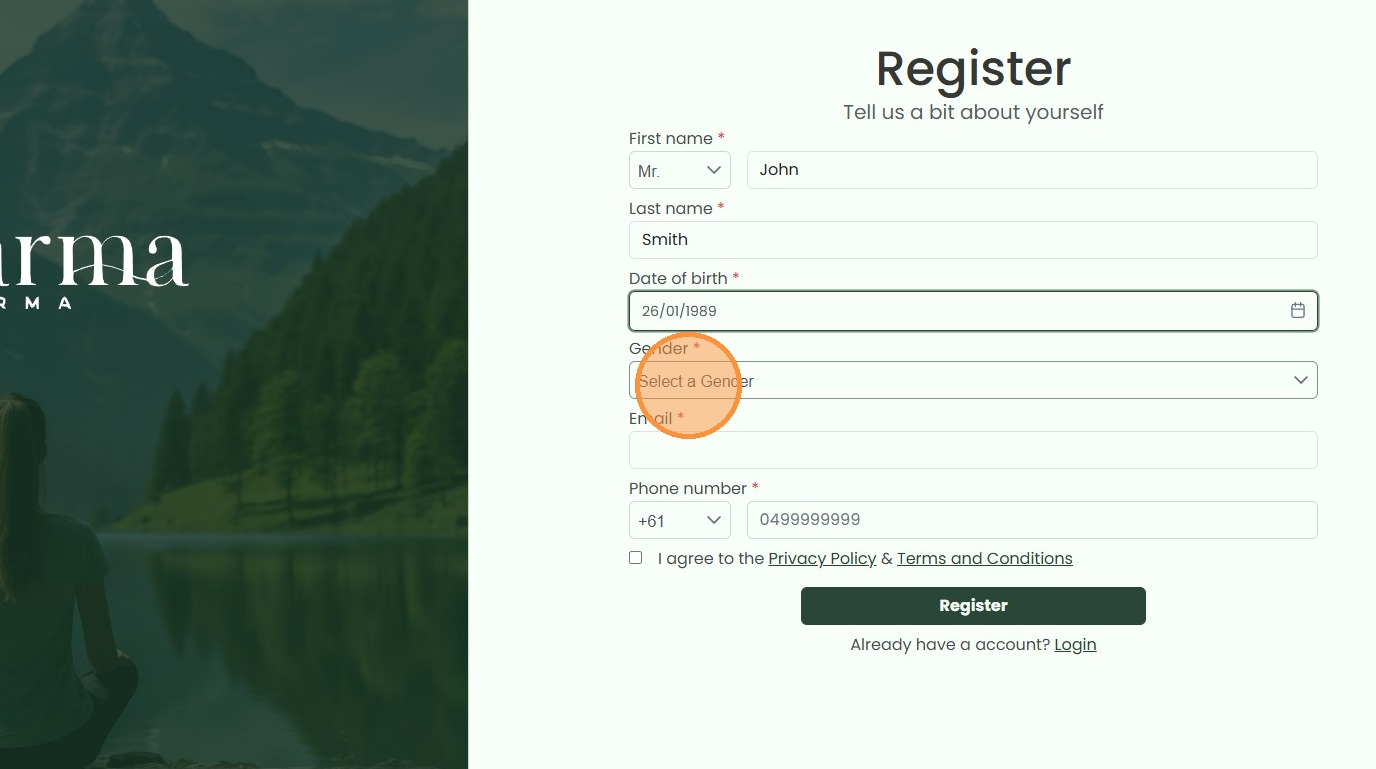
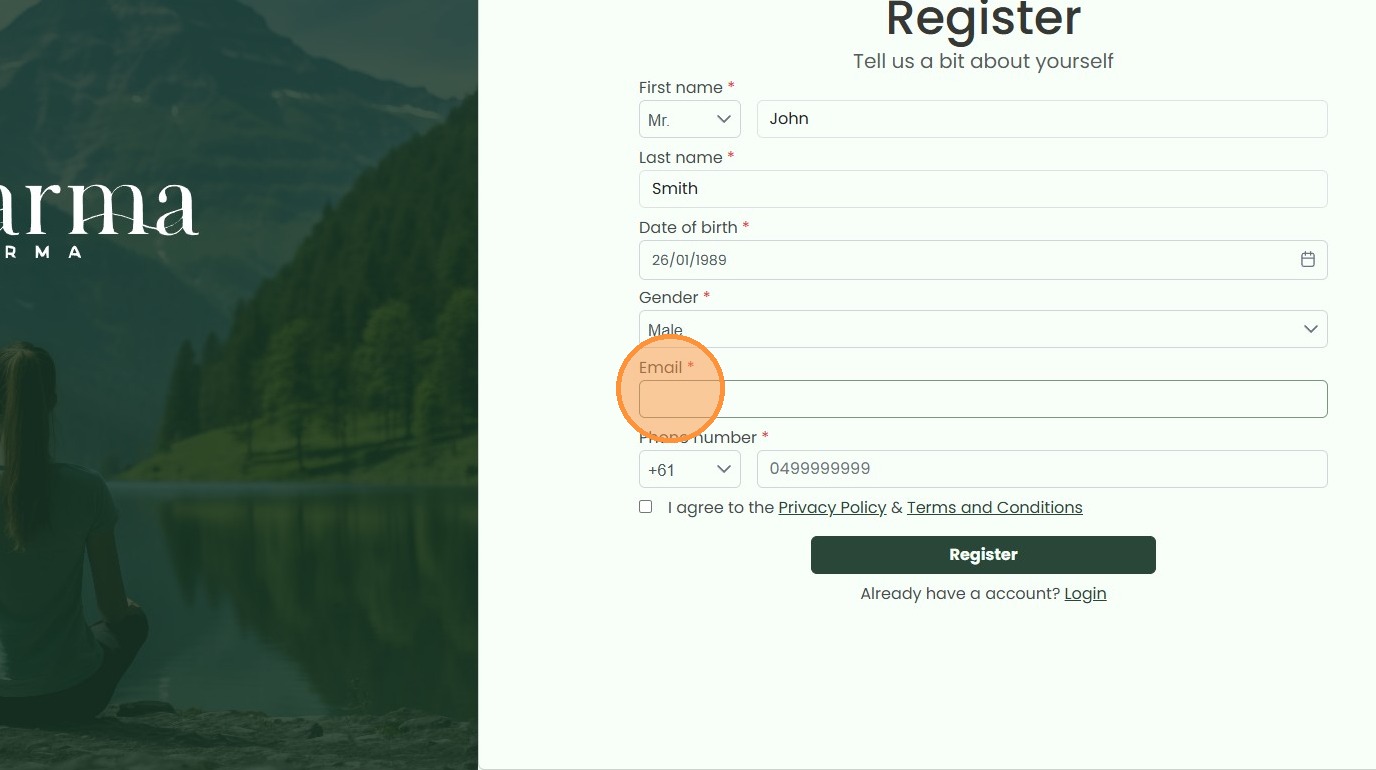
7. Enter your Email Addresss
8. Agree to KarmaPharma’s Privacy Policy & Terms and Conditions
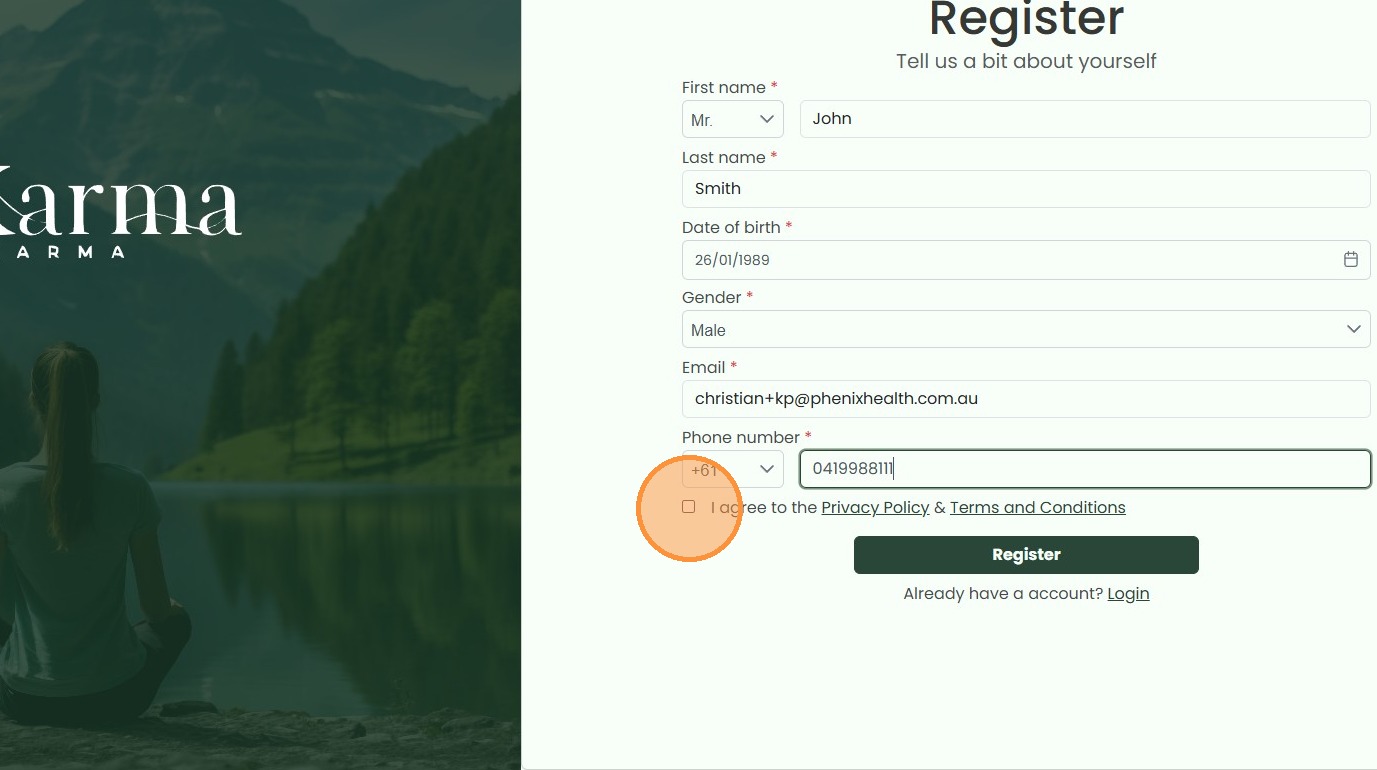
9. Click “Register”